
Writing code is only half of delivering software. The other half is building it, testing it, shipping it to servers and keeping it running, ideally many times a week without late-night drama. DevOps is the set of practices that makes that routine, and containers, CI/CD pipelines and cloud infrastructure are the tools that make it practical.
What DevOps really means
DevOps is not a job title or a tool. It is the idea that the people who build software and the people who run it share responsibility for both, supported by heavy automation. The DORA research program summarizes delivery performance in four measures:
- Deployment frequency: how often you release to production.
- Lead time for changes: how long a commit takes to reach production.
- Change failure rate: how often a release causes a failure that needs fixing.
- Time to restore service: how quickly you recover when a release does fail.
High-performing teams score well on all four at once. Releasing small changes often turns out to be both faster and safer than releasing big batches rarely.
Containers with Docker
A container image packages your application with its exact runtime, system libraries and configuration defaults. A container is a running instance of that image. Because the image is identical on a laptop, in CI and in production, "it works on my machine" stops being a problem.
A multi-stage build keeps production images small and secure: dependencies are installed and the app is compiled in throwaway stages, and only the output is copied into a minimal runtime image. Here is one for a Next.js app built with output: 'standalone':
# syntax=docker/dockerfile:1
FROM node:24-alpine AS deps
WORKDIR /app
COPY package.json pnpm-lock.yaml ./
RUN corepack enable && pnpm install --frozen-lockfile

FROM node:24-alpine AS build
WORKDIR /app
COPY --from=deps /app/node_modules ./node_modules
COPY . .
RUN corepack enable && pnpm build

FROM node:24-alpine AS runtime
WORKDIR /app
ENV NODE_ENV=production
# Never run the application as root
RUN addgroup -S app && adduser -S app -G app
COPY --from=build --chown=app:app /app/.next/standalone ./
COPY --from=build --chown=app:app /app/.next/static ./.next/static
COPY --from=build --chown=app:app /app/public ./public
USER app
EXPOSE 3000
CMD ["node", "server.js"]
Container best practices worth adopting from day one:
- Add a
.dockerignoresonode_modules,.gitand local secrets never reach the build context. - Pin base images to a specific version and rebuild regularly to pick up security patches.
- Run one process per container and log to standard output so the platform can collect the logs.
- Pass configuration through environment variables, and keep secrets out of the image entirely.
- Store data in volumes or managed services, never inside the container, which can be replaced at any time.
For local development and small deployments, Docker Compose describes several containers and how they connect in one file:
services:
  app:
    build: .
    ports:
      - '3000:3000'
    environment:
      DATABASE_URL: postgres://app:${POSTGRES_PASSWORD}@db:5432/app
    depends_on:
      db:
        condition: service_healthy

  db:
    image: postgres:17
    environment:
      POSTGRES_USER: app
      POSTGRES_PASSWORD: ${POSTGRES_PASSWORD}
      POSTGRES_DB: app
    volumes:
      - db-data:/var/lib/postgresql/data
    healthcheck:
      test: ['CMD-SHELL', 'pg_isready -U app']
      interval: 5s
      retries: 10

volumes:
  db-data:
CI/CD pipelines
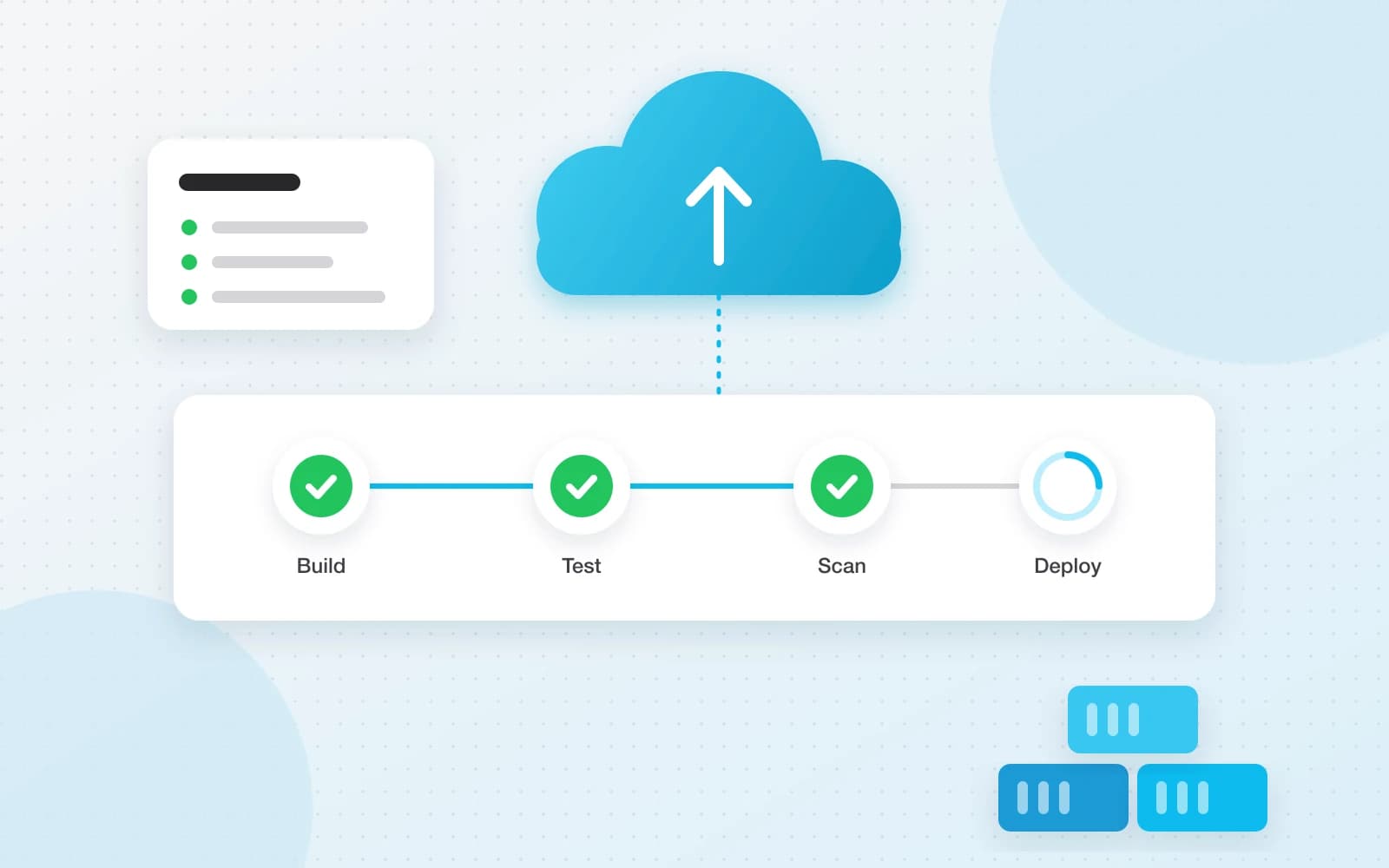
Continuous integration (CI) means every push is automatically built and tested, so problems surface within minutes rather than days before a release. Continuous delivery (CD) extends that: every change that passes the pipeline is packaged and ready to deploy, and with continuous deployment it goes to production automatically.
A solid baseline pipeline in GitHub Actions installs dependencies, type-checks, tests and builds on every pull request and every push to main:
name: CI

on:
  push:
    branches: [main]
  pull_request:

jobs:
  verify:
    runs-on: ubuntu-latest
    steps:
      - uses: actions/checkout@v5
      - uses: pnpm/action-setup@v4
        with:
          version: 10
      - uses: actions/setup-node@v5
        with:
          node-version: 24
          cache: pnpm
      - run: pnpm install --frozen-lockfile
      - run: pnpm typecheck
      - run: pnpm test
      - run: pnpm build
From there, add stages for the things your team keeps getting bitten by: dependency and container image vulnerability scanning, end-to-end tests against a preview environment, and a deploy job that runs only on main after everything is green. Keep the pipeline fast. A ten-minute pipeline gets run; a forty-minute one gets bypassed.
Deployment strategies
How you release matters as much as what you release. The goal is zero downtime and a fast, boring way back if something goes wrong:
- Rolling update: replace instances a few at a time. Simple and the default on most platforms, but old and new versions run side by side for a while.
- Blue-green: run the new version next to the old one, test it, then switch traffic over at once. Rollback is switching back.
- Canary: send a small share of traffic, say 5%, to the new version, watch error rates and latency, then increase gradually.
- Feature flags: deploy code switched off and enable it for chosen users later. This separates deploying from releasing.
Database changes need the same care. Use the expand and contract pattern: first add new columns or tables in a backward-compatible way, deploy the code that uses them, and only remove the old structure in a later release. That way the previous version of the app keeps working during a rollout and a rollback.
Cloud infrastructure, simply
Cloud providers offer a spectrum from raw virtual machines (IaaS), through managed platforms and container services (PaaS), to serverless functions where you only supply code. The further along you go, the less you manage yourself and the less control you have. For most teams the sweet spot is managed services for the hard parts (databases, queues, object storage, load balancers) and containers for the application.
Define that infrastructure as code with tools such as Terraform, OpenTofu or Pulumi. Your servers, networks and DNS then live in version control, are reviewed like code, and can be recreated in minutes, including a staging environment that genuinely matches production.
Server management and security essentials
- Least privilege: every person, service and CI job gets only the permissions it needs.
- Secrets belong in a secrets manager or the platform’s encrypted settings, never in the repository or the image.
- Patch operating systems, base images and dependencies on a schedule, with automation where possible.
- Private networking: keep databases off the public internet, and expose only the load balancer.
- HTTPS everywhere, with automatically renewed certificates.
- Backups are only real once restored: automate them, encrypt them, store them in another location and test a restore regularly.
- Monitoring and alerting on availability, error rate and latency, with an on-call rotation and a written runbook for common incidents.
Key takeaways
- Containers make builds reproducible. Use multi-stage builds, small base images and a non-root user.
- Automate the path to production: every change is built, tested and scanned the same way.
- Release small changes often, and use blue-green, canary or feature flags to make releases low-risk.
- Treat infrastructure as code, use managed services for stateful parts, and practise restoring your backups.
Conclusion
DevOps pays off in calm, not just speed. When builds are reproducible, pipelines catch problems early and every release can be rolled back in a minute, deploying stops being an event and becomes routine. Start with a Dockerfile and a CI pipeline that runs your tests, then automate one manual step at a time.
Further reading
- #CI/CD
- #Cloud
- #DevOps
- #Docker