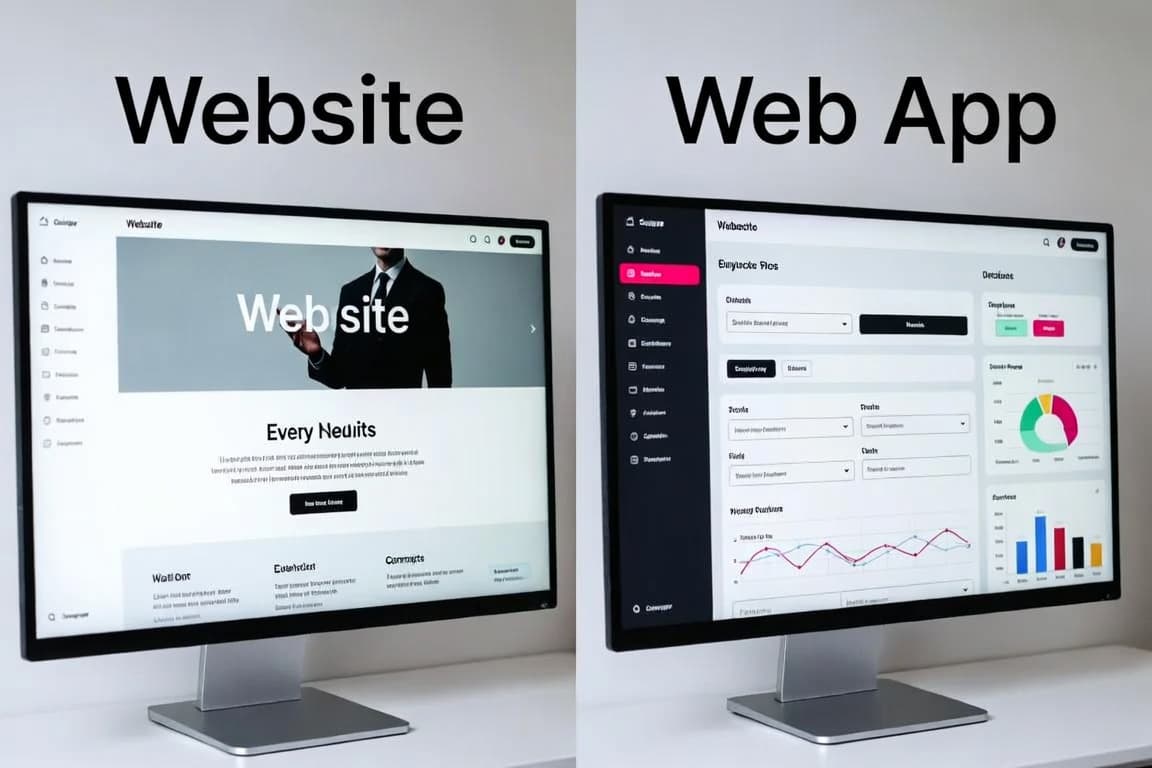


React, Next.js and TypeScript have become the default stack for professional web applications. React gives you a component model, Next.js adds routing, rendering and data fetching on top, and TypeScript catches whole classes of bugs before your code ever runs. Used well, they produce sites that are fast for visitors and pleasant for developers to maintain.
Used carelessly, the same stack produces slow pages with megabytes of JavaScript. This article covers the ideas that make the difference, with code you can apply directly in a Next.js App Router project.
Why this stack became the default
- React describes the interface as a tree of reusable components. A button, a card or a whole page is a function of its data, which makes interfaces predictable and testable.
- Next.js turns React into a full framework: file-based routing, server rendering, caching, image and font optimization, and a production build pipeline.
- TypeScript adds static types to JavaScript. Your editor knows the shape of every object, refactors are safe, and many runtime errors become compile-time errors.
Together they cover everything from a marketing site to a complex dashboard, with one language across the frontend and the server.
Server Components change the default
In the Next.js App Router, every component is a React Server Component unless you opt out. Server Components run only on the server. They can read from a database or call an internal API directly, and the JavaScript for them is never sent to the browser. Only the rendered result is.
You add the 'use client' directive only to components that need interactivity: state, effects, event handlers or browser APIs. The best practice is to keep those client components small and push them to the leaves of the tree:
// app/blog/page.tsx: a Server Component (the default in the App Router)
import { getPosts } from '@/lib/posts'
import { LikeButton } from './like-button'

export default async function BlogPage() {
  const posts = await getPosts() // runs on the server, so no extra API route is needed

  return (
    <ul>
      {posts.map((post) => (
        <li key={post.slug}>
          <a href={`/blog/${post.slug}`}>{post.title}</a>
          <LikeButton />
        </li>
      ))}
    </ul>
  )
}// app/blog/like-button.tsx: only this small component ships JavaScript
'use client'
import { useState } from 'react'
export function LikeButton() {
const [liked, setLiked] = useState(false)
return (
<button type="button" aria-pressed={liked} onClick={() => setLiked((value) => !value)}>
{liked ? 'Liked' : 'Like'}
</button>
)
}The list, the data access and the markup cost the browser nothing. Only the button is hydrated. On content-heavy pages this routinely removes most of the client-side JavaScript.
Choosing the right rendering strategy
Next.js lets you decide per route when HTML is generated. Picking the right option is the single biggest performance decision you make:
- Static rendering: HTML is generated at build time and served from a cache or CDN. Ideal for marketing pages and documentation.
- Incremental Static Regeneration (ISR): static pages that refresh after a time window or on demand with
revalidatePath(). Ideal for blogs, catalogs and CMS-driven pages. - Dynamic rendering: HTML is generated for every request. Required for personalized pages, dashboards and anything that depends on cookies.
- Streaming: wrap slow parts of a page in
<Suspense>so the shell appears immediately and the slow data streams in when ready.
A dynamic blog route that is cached and refreshed every five minutes, with per-article SEO metadata, looks like this. Note that in current Next.js versions params is a Promise:
// app/blog/[slug]/page.tsx
import type { Metadata } from 'next'
import { notFound } from 'next/navigation'
import { getPost } from '@/lib/posts'

type Props = { params: Promise<{ slug: string }> }

// Serve the cached page, regenerating it at most every five minutes
export const revalidate = 300

export async function generateMetadata({ params }: Props): Promise<Metadata> {
  const { slug } = await params
  const post = await getPost(slug)
  if (!post) return {}
  return {
    title: post.title,
    description: post.excerpt,
    openGraph: { type: 'article', title: post.title, images: [post.coverUrl] },
  }
}

export default async function PostPage({ params }: Props) {
  const { slug } = await params
  const post = await getPost(slug)
  if (!post) notFound() // renders the 404 page with the correct status code

  return (
    <article>
      <h1>{post.title}</h1>
      {/* … */}
    </article>
  )
}
TypeScript that pays for itself
Turn on strict mode from the first commit; retrofitting it later is painful. noUncheckedIndexedAccess is also worth enabling, because it makes you handle the case where an array element or map entry does not exist:
{
  "compilerOptions": {
    "strict": true,
    "noUncheckedIndexedAccess": true,
    "noImplicitOverride": true
  }
}
Remember that types disappear at runtime. Data that crosses a boundary (form input, API responses, URL parameters, environment variables) must be validated, not just typed. A schema library such as zod gives you both from one definition:
import { z } from 'zod'

export const PostSchema = z.object({
  slug: z.string().regex(/^[a-z0-9-]+$/),
  title: z.string().min(1).max(200),
  publishedAt: z.coerce.date(),
  tags: z.array(z.string()).default([]),
})

// One source of truth for the runtime check and the compile-time type
export type Post = z.infer<typeof PostSchema>

export function parsePost(input: unknown): Post {
  return PostSchema.parse(input) // throws a descriptive error for invalid data
}
Model states explicitly with discriminated unions, for example { status: 'loading' } | { status: 'error'; message: string } | { status: 'ready'; data: Post[] }. The compiler then forces every component to handle loading and error states instead of assuming the happy path.
Mutations with Server Actions
Server Actions let a form call a server function directly, without hand-writing an API route. They are convenient, but they are public HTTP endpoints under the hood. Treat every action like an API: validate the input, check authentication and authorization on the server, and return structured errors that the form can display. Hiding a button in the interface is not security.
Performance and accessibility checklist
- Use
next/imagewith an accuratesizesattribute so phones never download desktop-sized images, and mark only the main above-the-fold image aspriority. - Load fonts with
next/fontto self-host them and avoid layout shifts. - Fetch independent data in parallel with
Promise.allinstead of a waterfall of sequentialawaits. - Keep client components small and at the leaves, and lazy-load heavy widgets such as maps, charts and editors.
- Track Core Web Vitals in production. "Good" means Largest Contentful Paint under 2.5 s, Interaction to Next Paint under 200 ms and Cumulative Layout Shift under 0.1 at the 75th percentile.
- Use semantic HTML (
<nav>,<main>,<article>, real<button>s), label every form field, keep focus states visible and check colour contrast.
Key takeaways
- Default to Server Components and add
'use client'only where interactivity is needed. - Choose the rendering strategy per route: static when you can, ISR for content, dynamic only when necessary.
- Combine strict TypeScript with runtime validation at every boundary.
- Measure real-user performance and treat accessibility as part of the definition of done.
Conclusion
The modern React stack rewards teams that understand where their code runs. Rendering on the server by default, shipping JavaScript only for real interactivity, and enforcing types and validation at the edges gives you applications that load fast, rank well and stay easy to change as they grow.
Further reading
- #Next.js
- #React
- #TypeScript
- #Web Performance